
This article describes the Form components available in Betty Genius–generated Pages, with their options and a typical use case. For details on the individual inputs and the Button you place inside a Form, see the Form inputs and controls article.
Genius Pages only. The component described here belongs to the Genius component set. They are not interchangeable with classic Pages components — even when the names look the same, the options and runtime behavior differ.
Form
Wraps a group of input components into a single submittable unit. In Genius Pages, each Form is tied to a use case set by its type: Create, Edit, or Custom. The type determines which data the form binds to and what runs when the form is submitted.
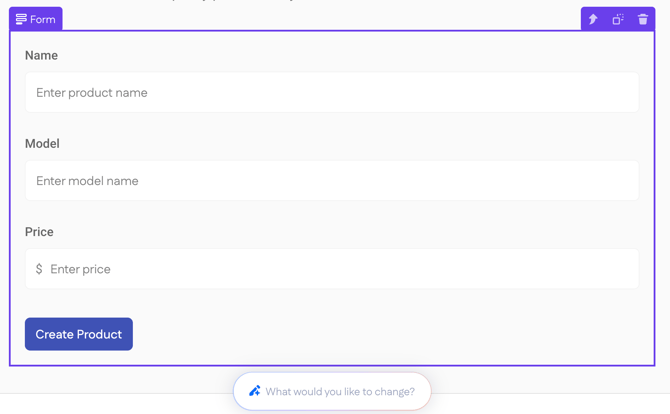
The options panel changes depending on the selected Type. The sections below cover each one.
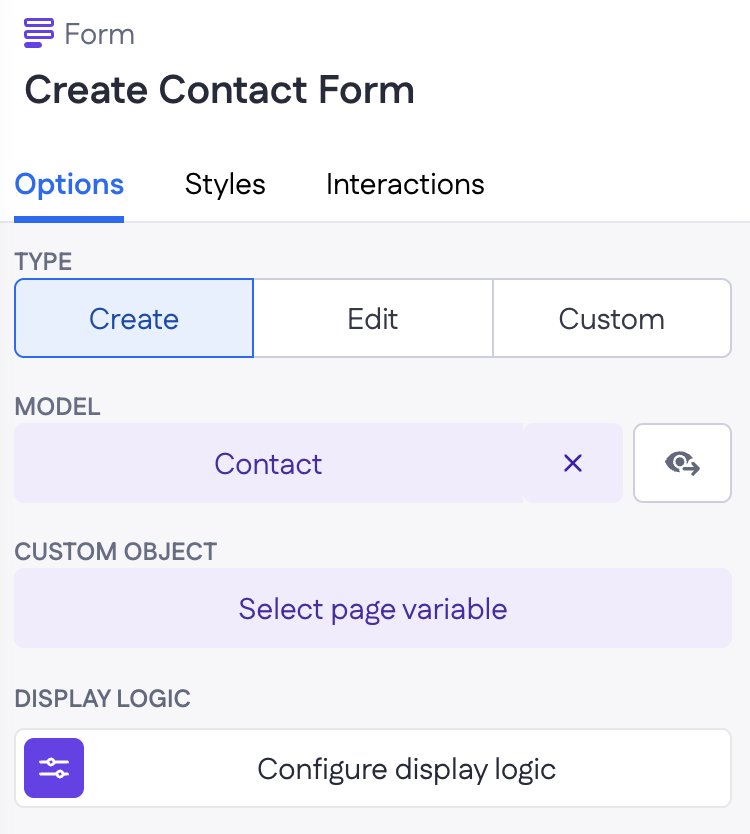
Type: Create
Adds a new record to the selected model.
|
Options
|
 |
Example
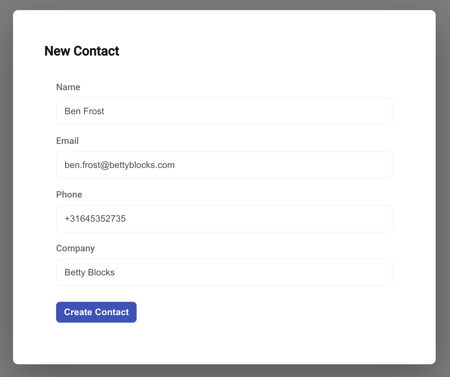
A "New contact" Dialog opens with a Create Form pointed at the Contact model. Inputs cover name, email, phone, and company. On submit, the Create action runs against the Contact model, the dialog closes, and a Snackbar confirms "Contact added."
Type: Edit
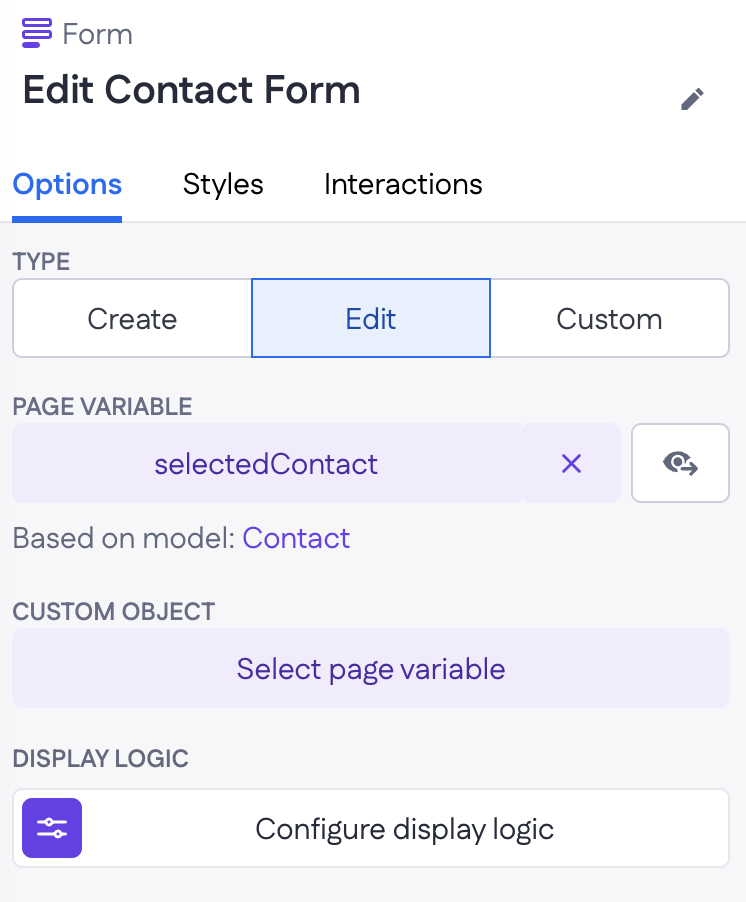
Updates an existing record.
|
Options
|
 |
Example
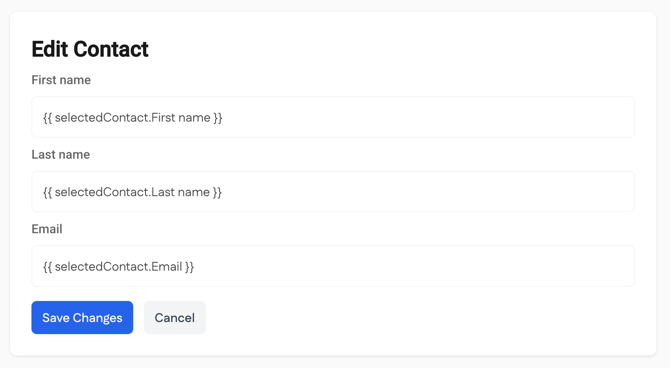
On a contact detail page, an Edit Form is bound to the selectedContact page variable. The form pre-fills with the contact's current name, email, and phone, and clicking Save runs the Update action against the Contact model.
Type: Custom
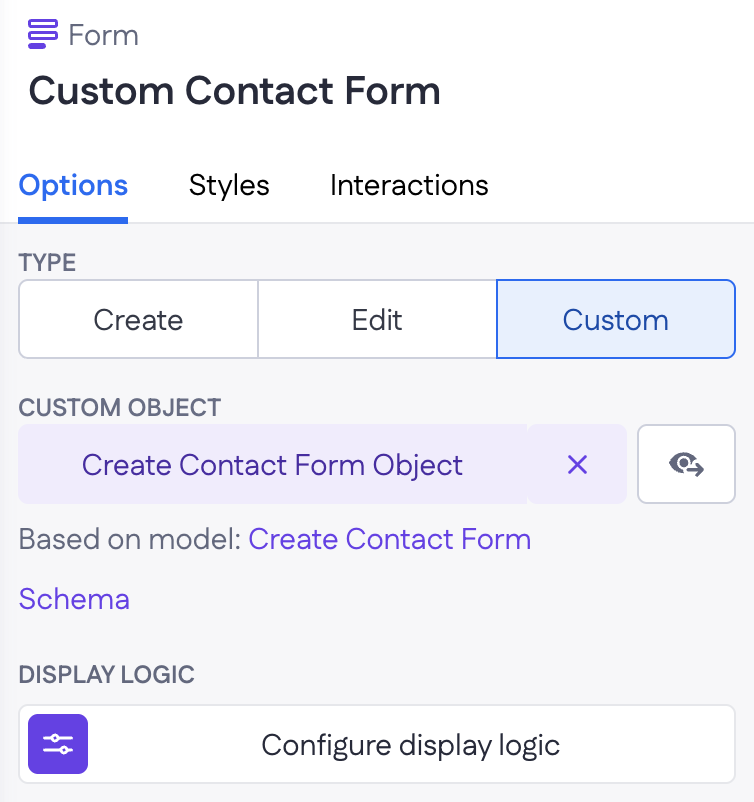
Submits the form data to a page variable instead of a model directly. Use this when the form needs custom handling — login, search, multi-step wizards, or anything that doesn't map cleanly to a single Create or Update on one model.
|
Options
|
 |
Example
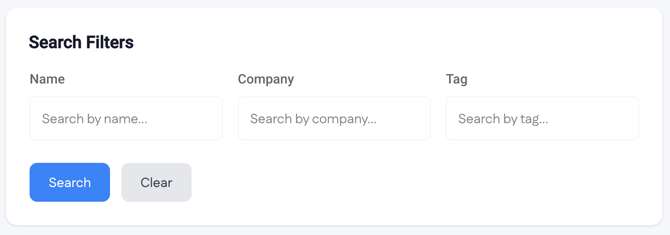
A search panel above a list of contacts uses a Custom Form bound to a searchInput page variable. The inputs (name, company, tag) write into the variable, which then drives the filters on a Collection.
Form behavior in Genius Pages
A few things worth knowing across all three types:
- The schema model behind a Create or Edit form is generated automatically and is read-only in the IDE. Changes to inputs on the page update the schema automatically.
- Inputs based on Belongs-to, Has-many, and List properties are supported and typically render as Select, Autocomplete, or Multi-autocomplete.
- You can add, remove, or reorder inputs on a generated form after generation. The action step (Create or Update) syncs automatically with those changes.
- When a Form lives inside a Dialog or Drawer, the fields can reset to their initial values when the overlay closes.