Genius Pages only. The components described here belong to the Genius component set. They are not interchangeable with classic Pages components — even when the names look the same, the options and runtime behavior differ.
Collection
A wrapper component that loads a collection of records and renders its child components once for each record. In Genius Pages, Collection powers most data-driven views — it repeats its children (such as a Table or List) for every record in the connected page variable.

Options
- Page variable — the collection variable that provides the data (e.g., selection of company contacts). The variable holds the model, filters, sort order, and pagination settings.
- Placeholder rows — how many empty rows to render in the page builder before the variable is wired up. Design-time only; doesn't affect runtime.
- Display logic — show or hide the Collection.
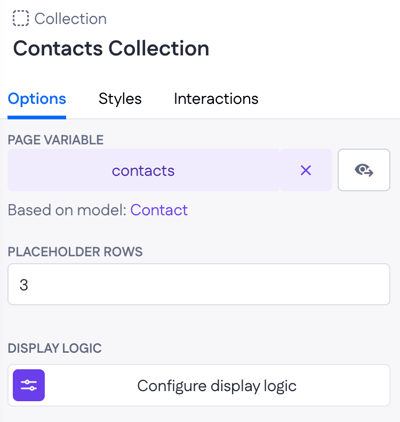
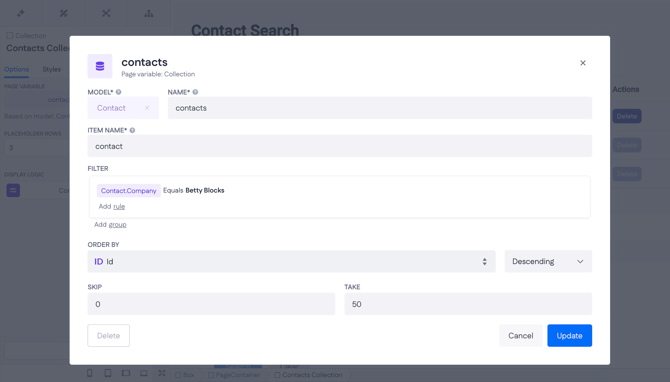
Most of the Collection's behavior lives on the page variable rather than on the component itself. Opening the variable (eye icon next to the variable name) gives access to:
- Filter — rules that narrow down which records are returned.
- Order by — the property and direction (ascending or descending) to sort by.
- Skip and Take — how many records to skip and how many to return per query, used to build pagination.
To open the underlying model from the Collection's options, click the model name in the "Based on model" line.
Example
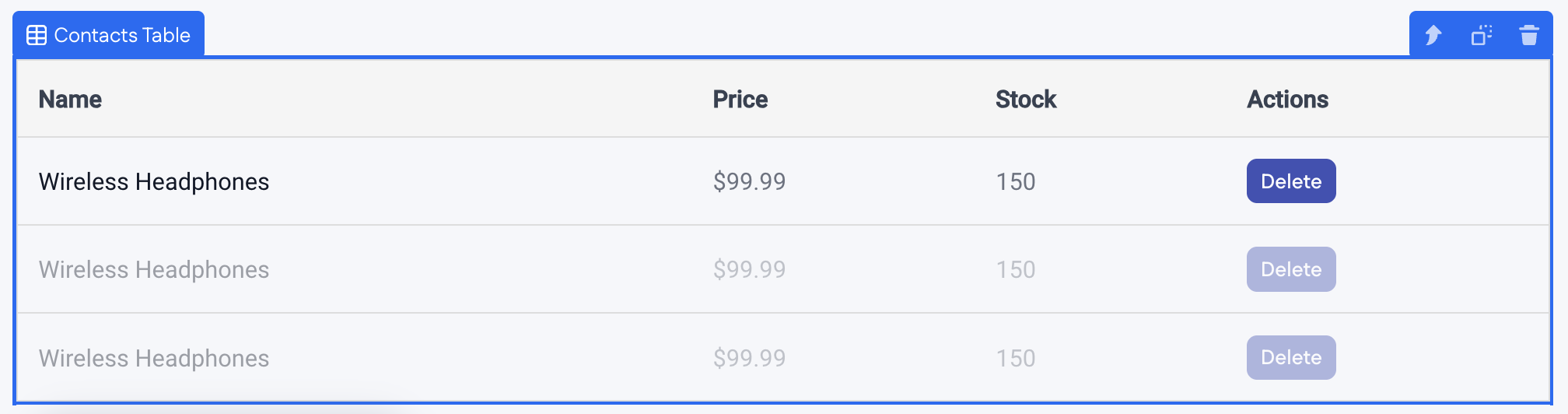
On a Products overview page, a Collection is bound to a products page variable (based on the Product model). A Table inside renders one row per product, with columns for name, price, stock, and a Delete action. To change which products show up, or how they're sorted, open the products page variable from the Collection's options.